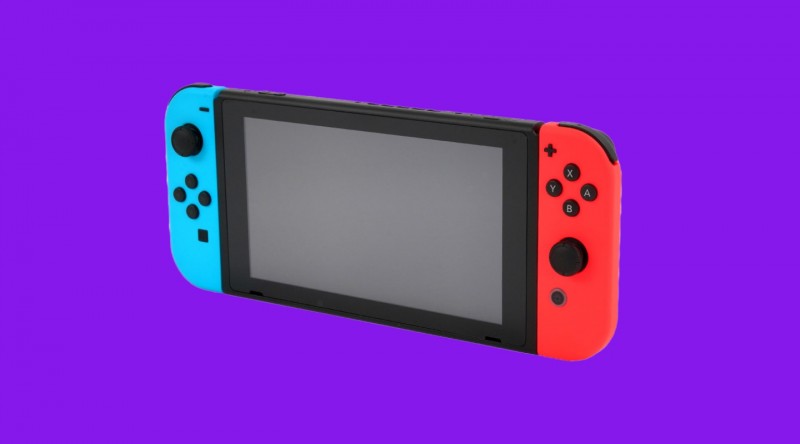
A new Nintendo Switch update is now live and while it offers a ton of helpful new tweaks, including an easier way to share content. The only downside is subjective, some players are tagging Twitter online with complaints about how the Nintendo Shop Online icon now stands out.
The biggest highlight from the most recent update is the ability to transfer screenshots and video to any smart device wirelessly with the additional avenue of PC transfers via USB. The newest update also allows users to prioritize their downloads, in addition to more playful additions like new icons and UI tweaks.
While most of the new additions have Nintendo fans excited, the change to the NSO icon seems to be a sore spot for many:
I dislike how hard the NSO icon stands out pic.twitter.com/sQMc7WLgBs
— Scratch. (@Scrxtchy) December 1, 2020
Luckily, those complaints are purely aesthetic and not a functional issue with one of the bigger features added. As for what else is new with the Nintendo Switch update, you can see the full patch notes below (courtesy of Nintendo):
Nintendo Switch Online was added to the HOME Menu.
- Access all Nintendo Switch Online services, from getting the latest information to checking your membership status.
*This feature is not available in some countries/regions.
A new feature that automatically downloads backed up save data was added to the Save Data Cloud.
- When using software with the same Nintendo Account linked to multiple systems, save data backed up from one console will automatically be downloaded to your other system(s).
*To use this feature, it must be enabled under System Settings > Data Management > Save Data Cloud.
*Save data will not be downloaded automatically unless save data for that software exists on the console. The first time only, users must download the save data manually.
*A Nintendo Switch Online membership is required to use the Save Data Cloud service.
A new Trending feature was added to the User Page.
- Users can check what software their friends are playing or have started playing recently.
Information will not be displayed for friends who have their online status set to display to no one.
Users can now transfer screenshots and videos from Album to their smart devices.
- Users can wirelessly connect their smart devices to Nintendo Switch to transfer the screenshots and videos saved within their Album.
- For screenshots, users can transfer a maximum of 10 screenshots and 1 video capture at once.
*To connect, users must use their smart device to scan the QR Code displayed on the Nintendo Switch screen.
For more information, please refer to the Nintendo Support website.
*“QR Code” is a registered trademark of DENSO WAVE INCORPORATED.
A new Copy to a Computer via USB Connection feature was added under System Settings > Data Management > Manage Screenshots and Videos.
- Users can use a USB cable to connect Nintendo Switch to their computers to copy the screenshots and videos saved under Album.
* A USB charging cable [model HAC-010] or a USB-IF certified USB cable that supports data transfer is required to connect to a computer.
For more information, please refer to the Nintendo Support website.
* Connection via the Nintendo Switch dock is not supported. Please connect the Nintendo Switch system directly to the computer.
Users can now select what download to prioritize when there are multiple downloads in progress.
- When there are multiple software, update data, or downloadable content downloads in progress, users can now select which they want to download first.
- You can set this under Download Options by selecting the icon for the software you want to download first on the HOME Menu.
User icons were added.
- 12 user icons that commemorate the 35th anniversary of the Super Mario Bros. series were added.
Users can now name preset button mappings with the Change Button Mapping feature.
Brazilian Portuguese was added as a supported language.
What do you think about the latest update for Nintendo Switch? Excited about the new ways to share, or are you buggin' on the icon swap? Sound off with your thoughts in the comment section below!
- When users set their region to the Americas and their language to Português, the language used on the HOME Menu and in certain software will be displayed in Brazilian Portuguese.
Several issues were fixed, and usability and stability were improved.


